Skip to content
Honest Ratings

Webcams

Webcams tested for low-light video quality, autofocus reliability, field of view, and microphone clarity.

Webcam quality became a genuinely important purchase decision once remote work and video calls turned into a daily routine, and the gap between a built-in laptop camera and a dedicated webcam is larger than most people expect — especially in mixed or low office lighting where built-in cameras struggle most.

Our webcam reviews focus on video quality under realistic lighting rather than perfect studio conditions, autofocus speed and reliability when you move or lean forward, field of view options for solo calls versus group shots, and built-in microphone clarity for anyone who does not want to manage a separate mic.

Top picks

Best Webcams

Ranked by our weighted testing score.

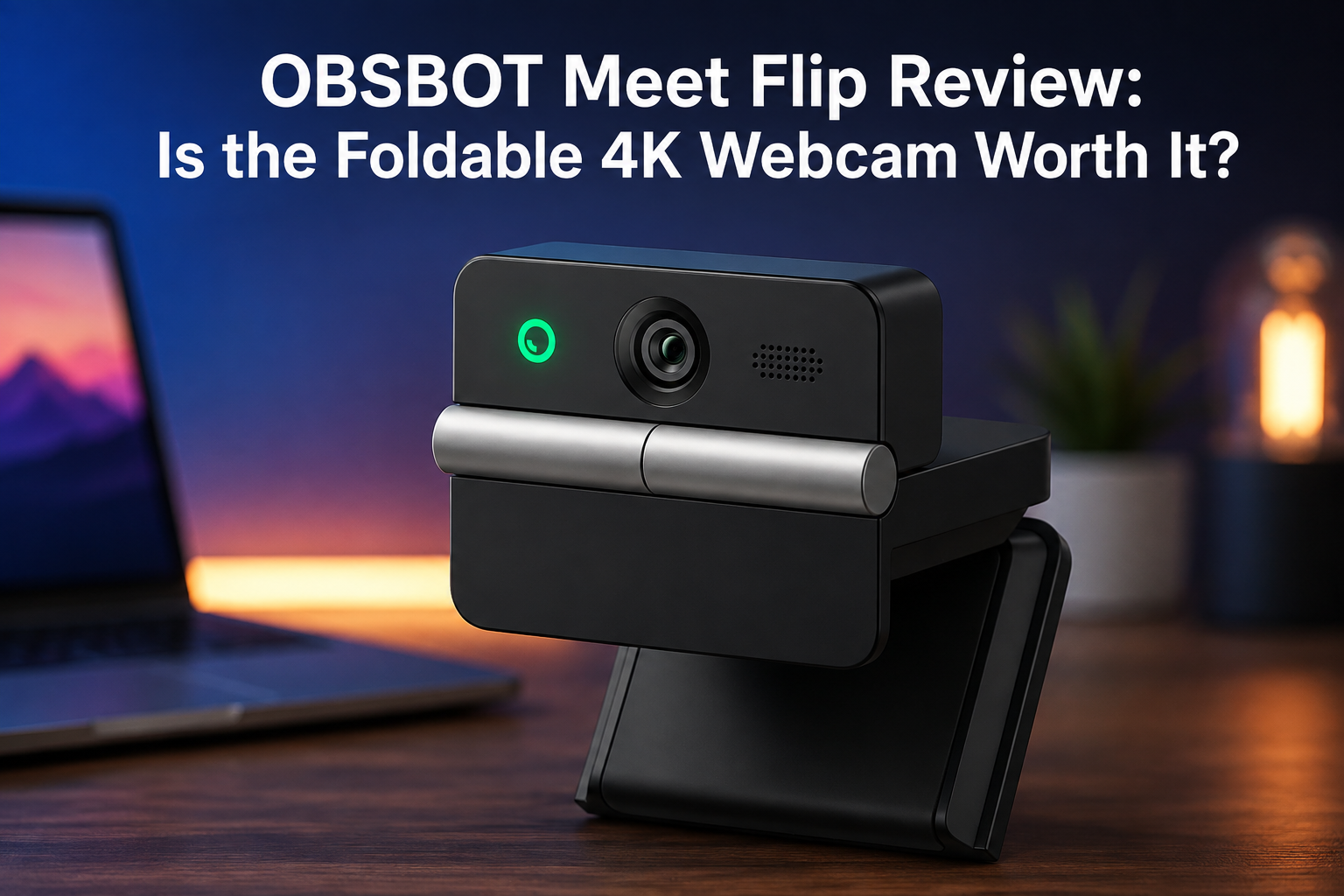
1 OBSBOT Meet Flip Foldable 4K Webcam
Webcams

OBSBOT Meet Flip Foldable 4K Webcam

$119.00
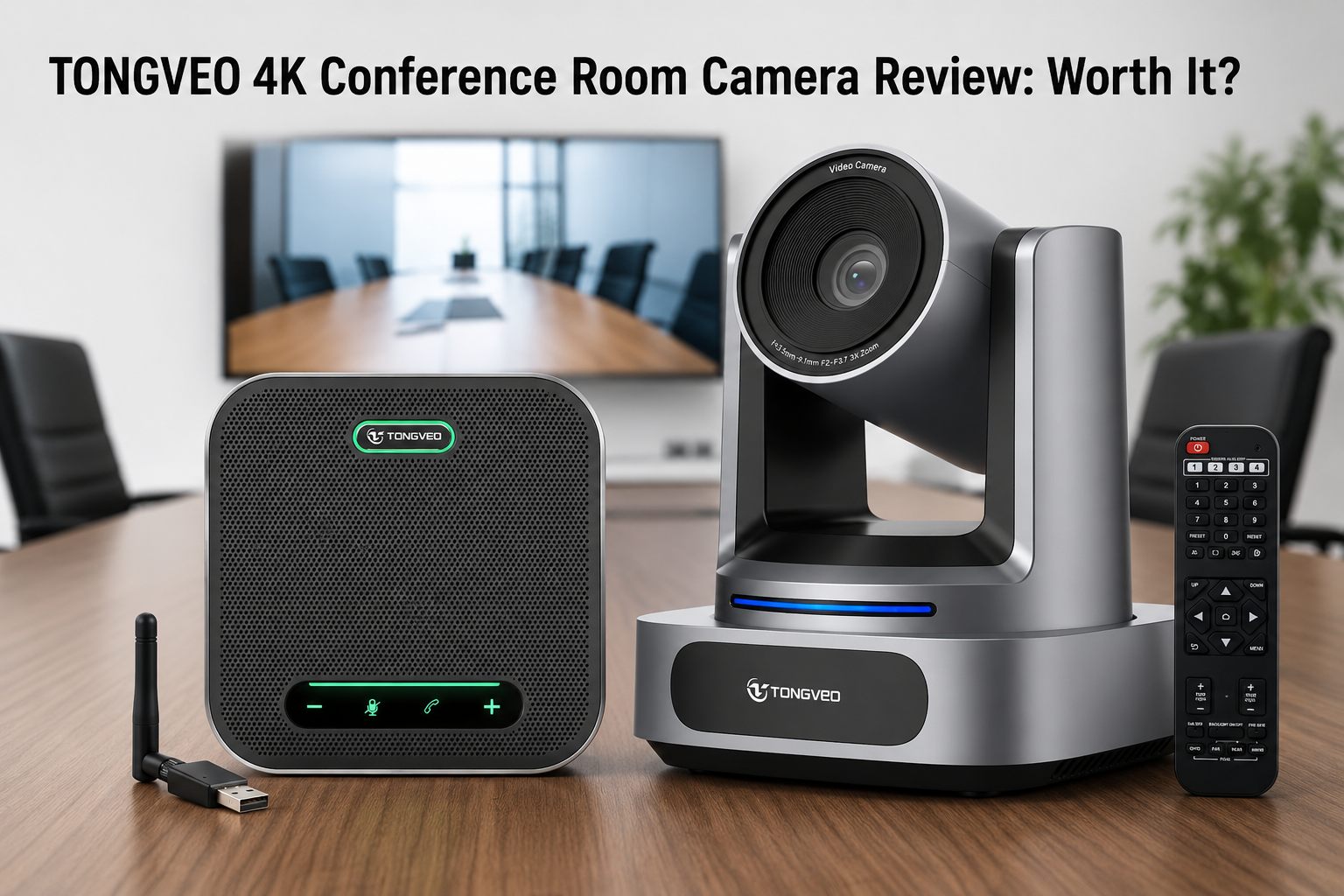
2 TONGVEO 4K Conference Room Camera System with AI Auto-Tracking and Bluetooth Speakerphone
Webcams

TONGVEO 4K Conference Room Camera System with AI Auto-Tracking and Bluetooth Speakerphone

$339.99
3 EMEET PIXY Dual-Camera AI-Powered PTZ Camera 4K
Webcams

EMEET PIXY Dual-Camera AI-Powered PTZ Camera 4K

$99.99 -9%
4 Meeasier 4K NDI PTZ Camera with AI Auto Tracking and 20X Optical Zoom
Webcams

Meeasier 4K NDI PTZ Camera with AI Auto Tracking and 20X Optical Zoom

$389.00
5 Coolpo AI Huddle Pana (Camera 360) 4K Video Conference Room Camera
Webcams

Coolpo AI Huddle Pana (Camera 360) 4K Video Conference Room Camera

$598.98
6 SVBONY SVN W2 4K PTZ Webcam, 1/2" CMOS Sensor, AI Tracking & Auto-Framing, 6X Zoom, Gesture & Remote Control
Webcams

SVBONY SVN W2 4K PTZ Webcam, 1/2" CMOS Sensor, AI Tracking & Auto-Framing, 6X Zoom, Gesture & Remote Control

$119.99

Latest coverage

Webcams reviews & guides

Buying guide

How to choose webcams

What actually improves your video calls

Low-light performance

This is the single biggest differentiator between webcams. A larger sensor with good software processing handles dim or mixed lighting (a common home office reality) far better than the marketing resolution number suggests — a well-processed 1080p image in normal room lighting often looks better than a poorly processed 4K image.

Autofocus and exposure

Slow or hunting autofocus is one of the most common webcam frustrations, especially for anyone who leans in and out during calls. Look for reviews that specifically mention autofocus speed and consistency, not just resolution and frame rate.

Field of view

A wide field of view is useful for group calls or showing a whiteboard but can make a single presenter look distant or distorted at the edges. Webcams with adjustable field of view offer the most flexibility for different use cases.

Built-in microphone quality

Not everyone wants to manage a separate microphone. If the built-in mic matters to you, prioritize models with dual or beamforming microphones over single-mic designs, and check for background noise suppression.

Mounting and framing

Confirm the included mount fits your monitor thickness, especially for ultrawide or curved monitors, and check whether the camera has a physical privacy shutter if that matters to you.