Review
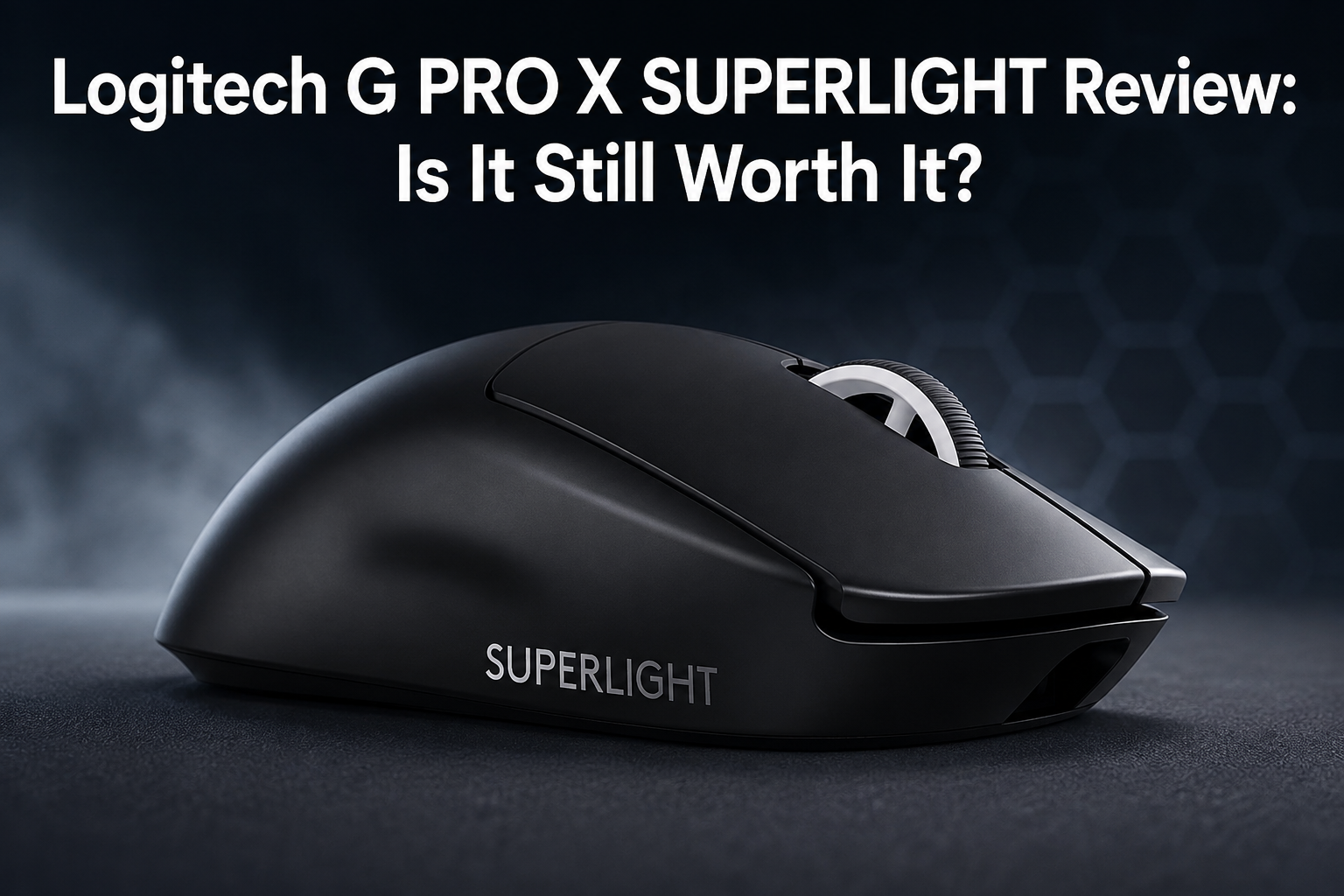
Logitech G PRO X SUPERLIGHT Review: Is It Still Worth It?
We break down the Logitech G PRO X SUPERLIGHT's HERO 25K sensor, LIGHTSPEED wireless, sub-63g weight, and battery life to see if this FPS favorite still holds up.
Gaming mice tested for sensor accuracy, weight, shape comfort, and wireless latency across grip styles.
A gaming mouse is one of the few peripherals where a small design change — a few grams of weight, a shifted hump position — can meaningfully change how comfortable hours of use feel. What works well for a claw grip player with small hands can be uncomfortable for someone using a palm grip, so shape and size are just as important as sensor specs.
Our testing covers sensor tracking accuracy and consistency, click latency, wireless connection stability under interference, and how the mouse holds up across different grip styles and hand sizes. We also weigh in on software: a great mouse with a clunky, ad-filled configuration app is a real downside worth mentioning.
Top picks
Ranked by our weighted testing score.
Latest coverage
Review
We break down the Logitech G PRO X SUPERLIGHT's HERO 25K sensor, LIGHTSPEED wireless, sub-63g weight, and battery life to see if this FPS favorite still holds up.
Review
Razer's Viper V3 HyperSpeed pairs the flagship Focus Pro 30K sensor with a single AA battery rated for up to 280 hours. Here's whether trading a rechargeable cell for that kind of runway is worth it.
Review
Logitech replaced the mechanical microswitch on its flagship mouse with a magnetic Haptic Inductive Trigger System. We break down what that means for click feel, customization, and whether it justifies $179.99.
Review
The ATTACK SHARK X3 pairs a 49g shell with a PAW3395 sensor and tri-mode wireless for well under $40. Here's a balanced look at what that combination actually gets you.
Review
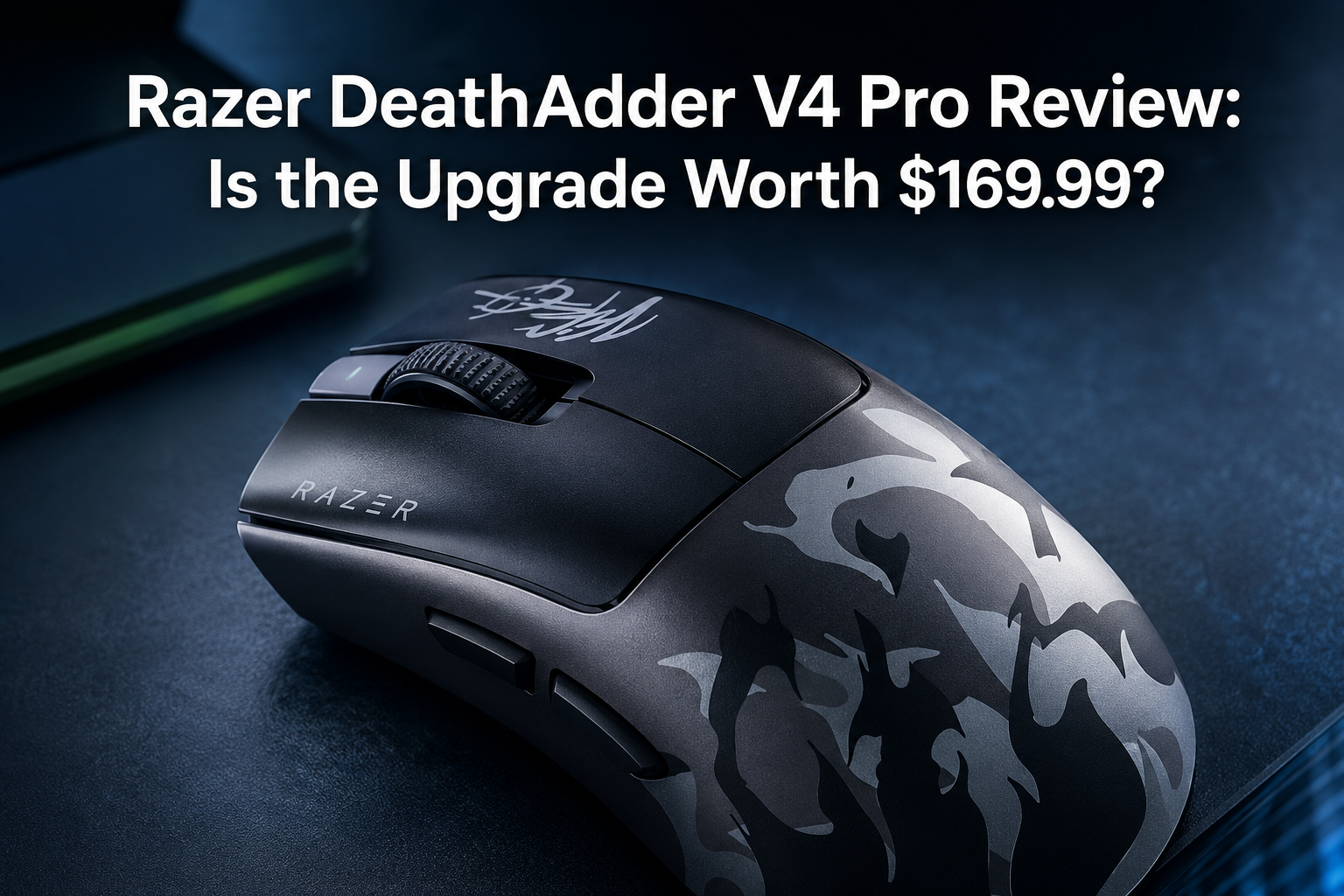
Razer's DeathAdder V4 Pro pairs a new 45K sensor and Gen-4 optical switches with the shape that made the line famous. Here's whether the upgrade over the V3 Pro is worth the price.
Identify your grip style first — palm, claw, or fingertip — because it narrows the shortlist more than any spec. Palm grip users generally want a taller, fuller shape for support; fingertip grip users usually prefer smaller, lighter mice with a flatter profile.
Lightweight mice (under 70g) have become the competitive standard because they reduce fatigue during fast flicking movements, but they are not universally better — some players find slightly heavier mice easier to control precisely. Neither is objectively correct.
Most mid-range and higher mice today use sensors that are more than accurate enough for competitive play; the meaningful differences show up in click latency, wireless polling consistency, and how well the mouse handles quick direction changes, not raw DPI numbers.
Modern wireless gaming mice with dedicated 2.4GHz receivers are functionally indistinguishable from wired in latency for the vast majority of players. Wired remains a safe default for tournament-level competitive play or if you want to avoid battery management entirely.
Side button placement varies a lot between shapes and hand sizes — what is easy to reach on one mouse can be an awkward stretch on another. If you plan to remap buttons for productivity or MMO-style games, check how many programmable buttons are available and whether the software supports per-application profiles.